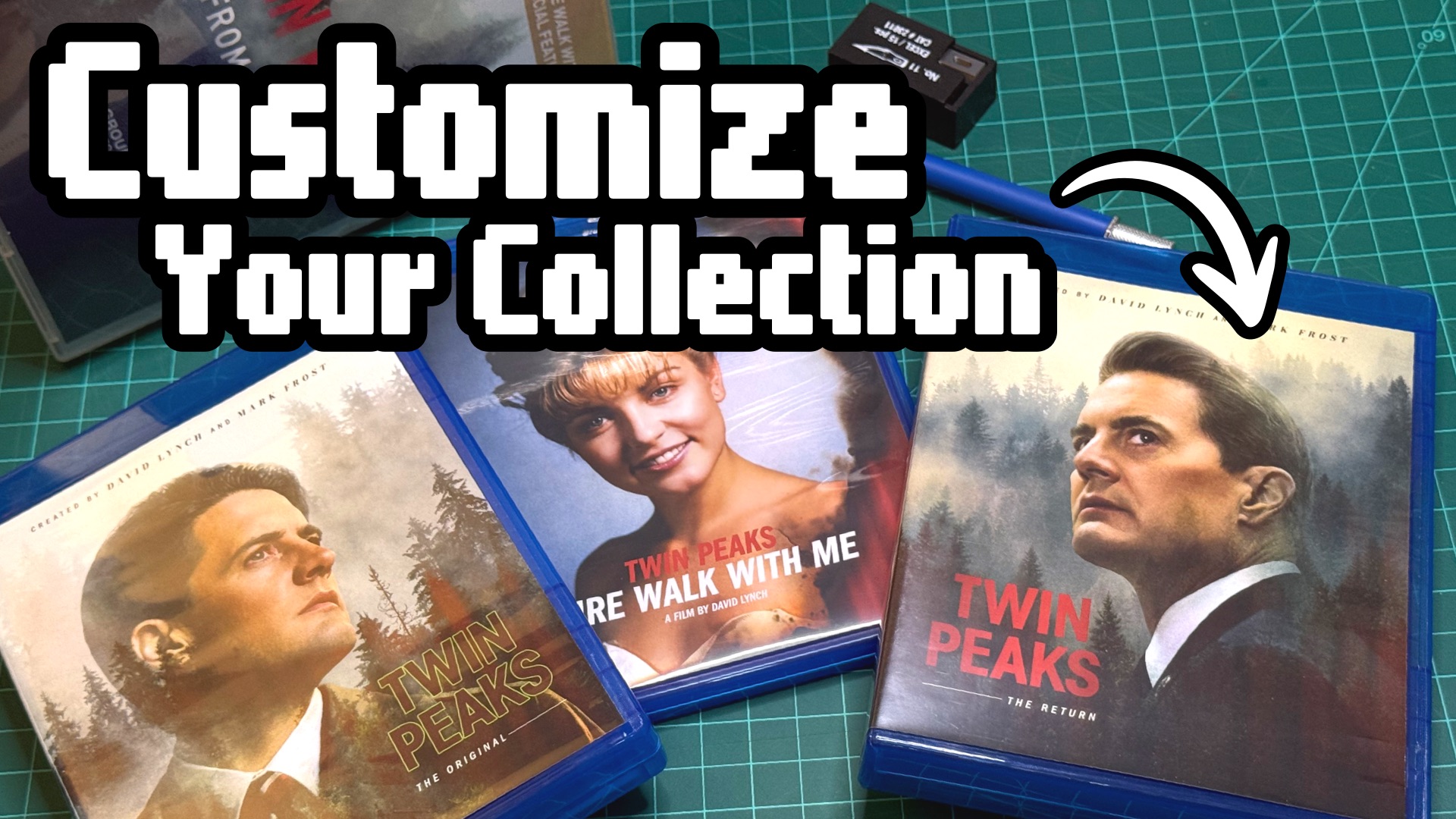

The Twin Peaks Z to A Collection Looks Terrible
Broken cases and basic box art don’t have to bring down your physical media collection. A few cheap replacement cases and some custom cover art can turn a collection into something that’s uniquely yours.
I picked up Twin Peaks: From Z to A on Blu-ray because it was the most complete version available at a decent price. You get both original seasons, Fire Walk With Me, The Return, and a couple of bonus discs. It’s a great show.
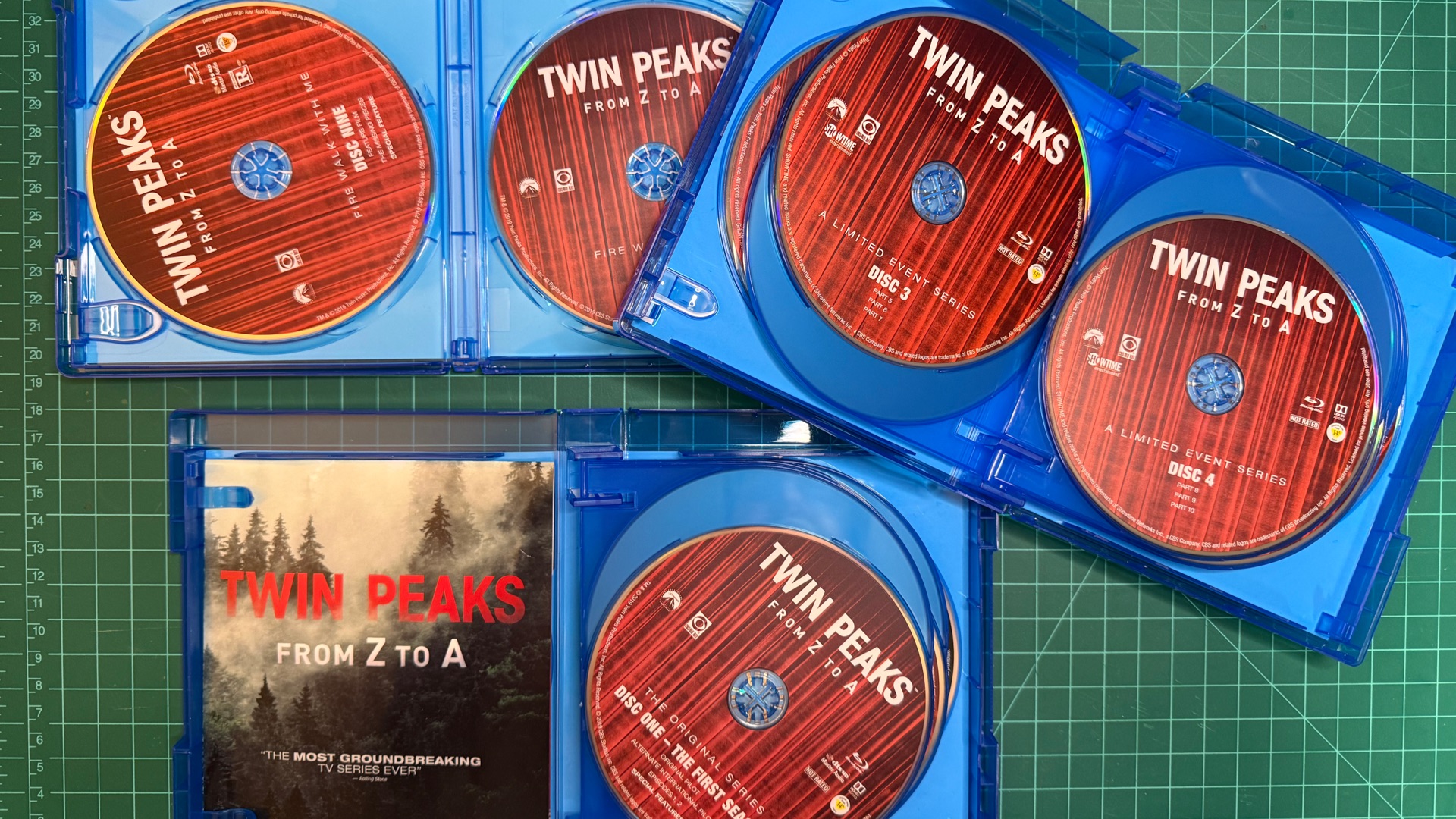
It’s also a miserable thing to look at and hold. The whole collection comes in one DVD-sized giant spindle case with the discs inside stacked on top of each other. Getting them out meant bending them to the point that I was sure one was gonna to snap. The cover art didn’t help: bad typography slapped on top of a stock photo of foggy fir trees. The show deserves so much better.
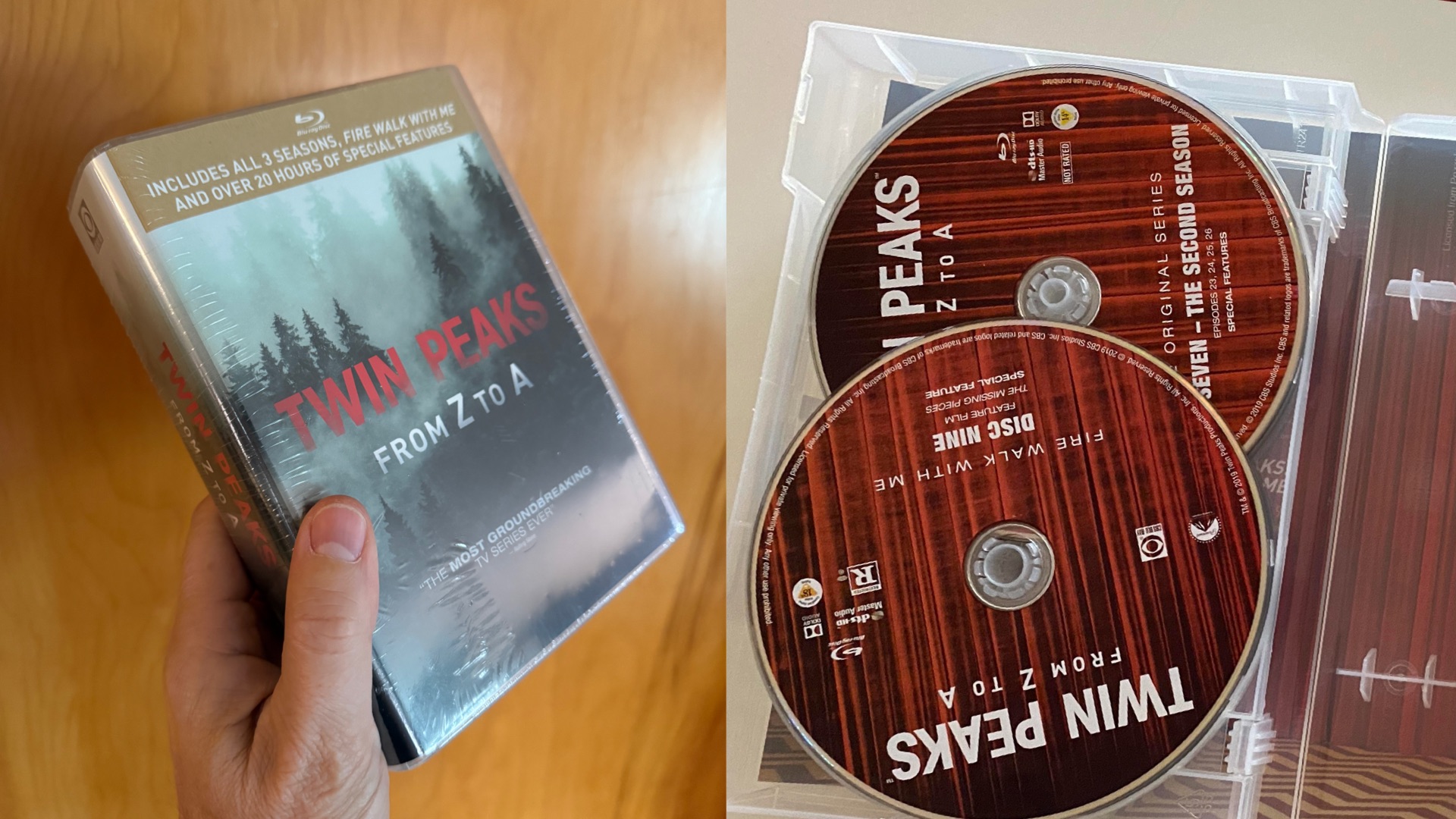
It looked so bad on the shelf that I tucked it away and forgot about it. I only rediscovered it while organizing my media, and I wanted it back on the shelf where I could see it. That’s when I contemplated designing my own covers. (I have a BFA in Graphic Design after all!)
Fix It with Custom Covers
I checked Etsy first, and I’m glad I did. I found some amazing custom covers that were better than I could do. I settled on PL Boucher’s fabulously designed Twin Peaks Collection set. It was a low-priced digital purchase, and a few hours later I had the files as PDFs.
Find Replacement Cases
Next up were cases, and this part is harder than it should be. I needed two 10-disc Blu-ray cases, and I couldn’t find any in black, and only a few sellers on AliExpress had clear ones. I’ve bought from ReplacementCases.com before, but they only have blue. They sell name brand Viva Elite cases and pack it well so nothing arrives broken. The catch is that 10-disc cases are kind of expensive there.
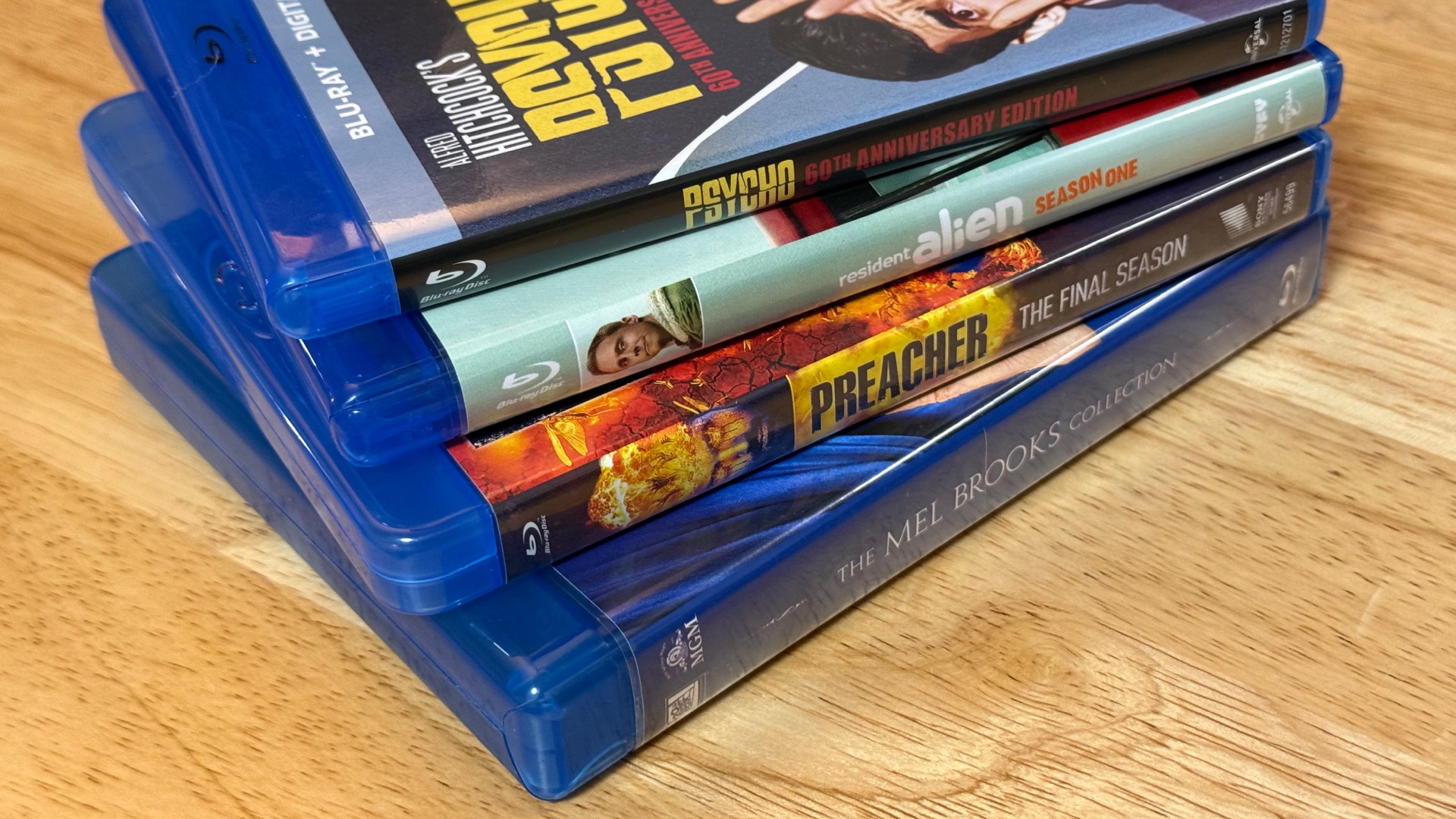
I ended up getting a 10-Disc Blu-ray Case Two Pack of basic blue cases from Amazon for about $15. They don’t have the Blu-ray logo on them, but the quality is decent and they’re a big improvement over that spindle case. I’ll keep looking for clear ones, since I think that will look best. I also found an extra 2-disc case I had lying around for the movie.
Do a Test Print
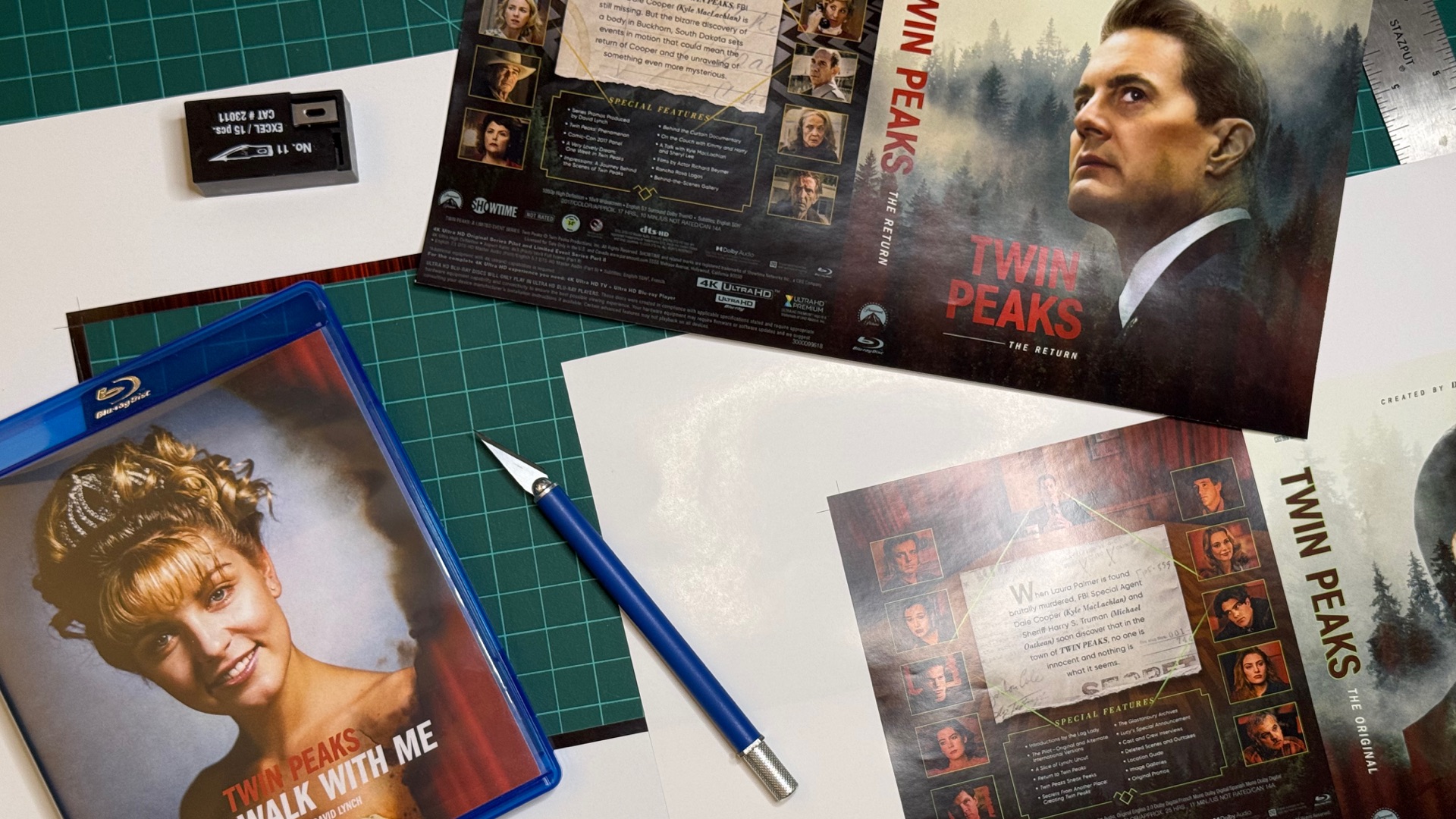
Before spending some money on printing, I ran the covers on a cheap black-and-white printer at work. I cut them out along the crop marks on a large cutting mat with an 18 inch cork-backed metal ruler and an X-Acto knife, then slipped them into the cases to check the fit.
Always do a test print. Cover templates vary, and cases come in many, many different spine widths.
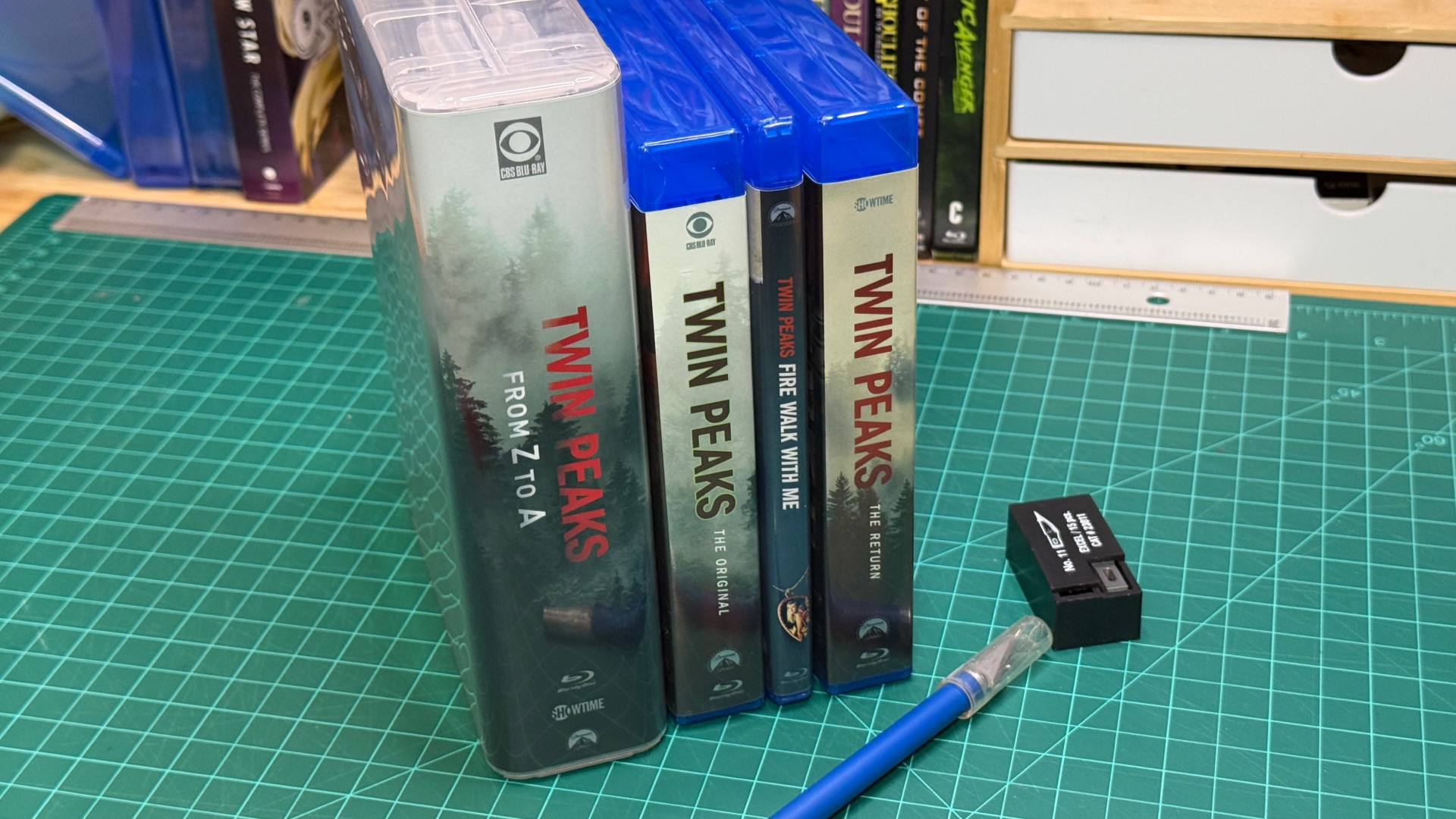
Be sure to get a knife with a squared off barrel so it doesn’t roll off your desk. You don’t want a knife in your leg or foot!
The height was perfect, but the 2-disc cover needed to be a hair wider and the 10-disc covers needed to be a hair narrower. Much better to find that out on a sheet of copy paper.
Cut Out Carefully
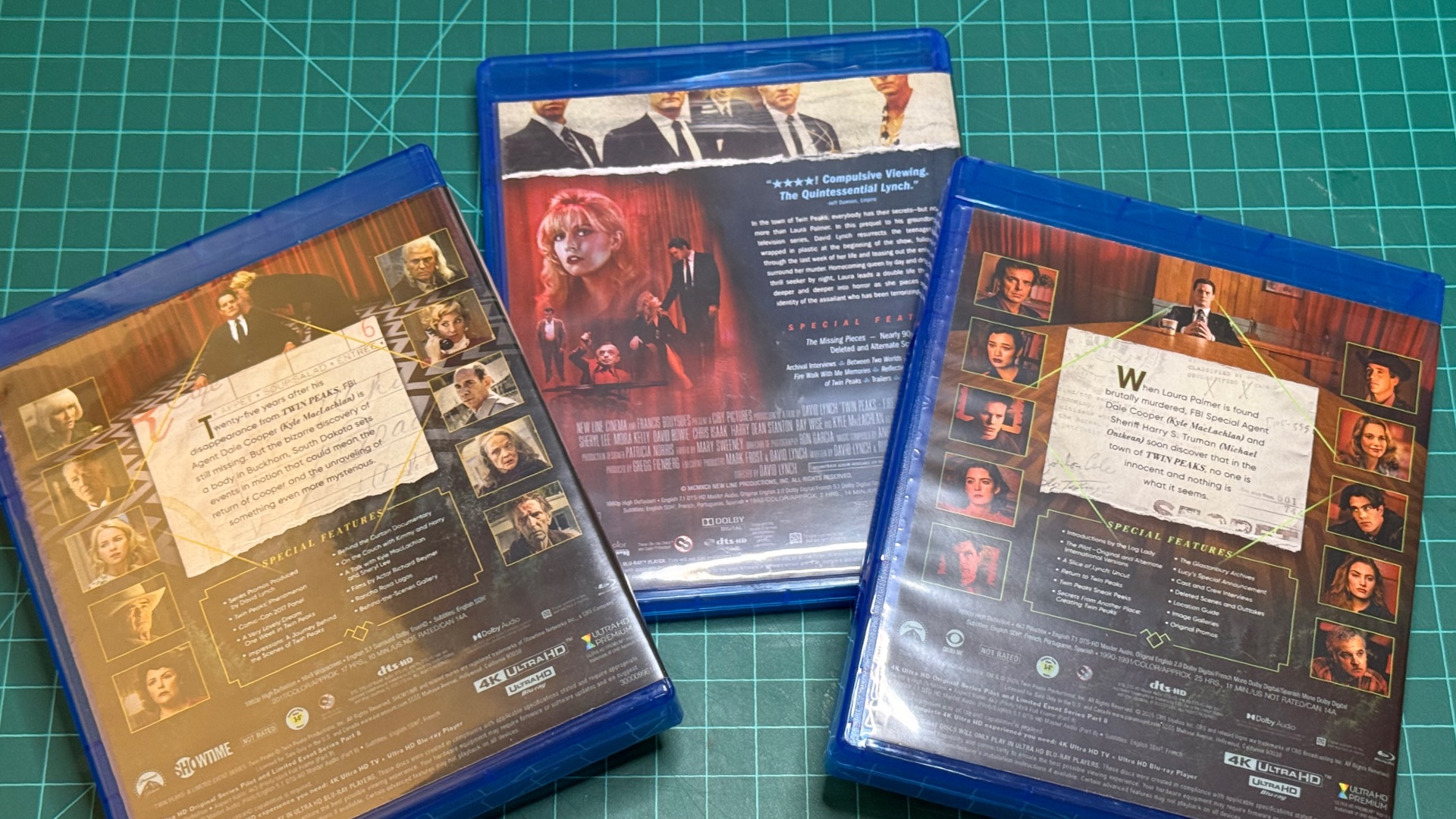
With the measurements down, I took the PDFs to FedEx and had them printed on large, glossy paper for about $2.50 a page. I adjusted the width trim based on what I learned from the test prints, and took extra care not to cut into any text on the back cover. A steady hand and a good straight edge matter here. Measure twice, cut once.
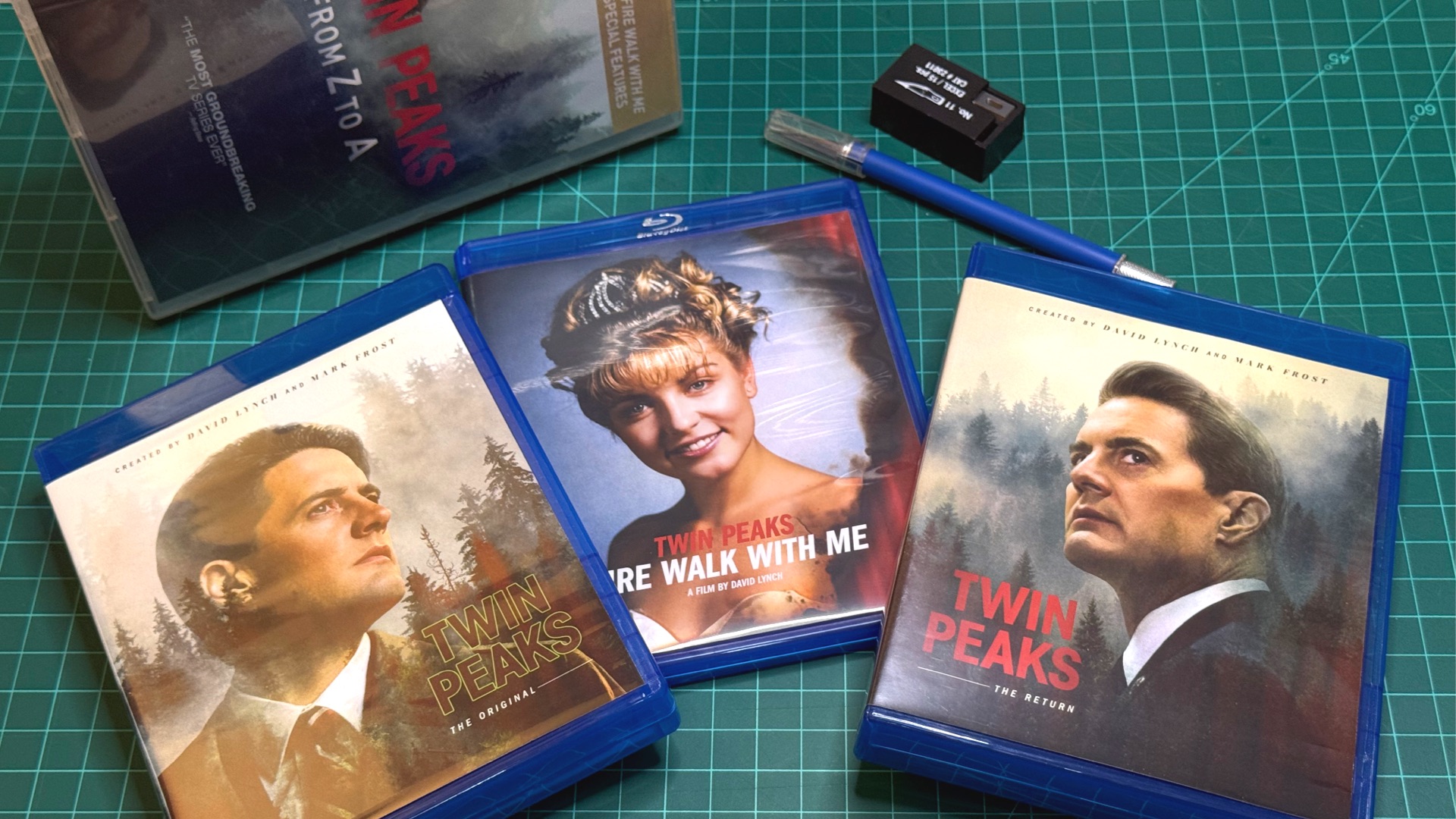
Once I slipped in the covers and popped in the discs, the difference was huge. It looked so much better. A design that fits the quality of the show. The original episodes take up 9 discs, Fire Walk With Me is 2, and The Return is 10. That meant two 10-disc cases and one 2-disc case. The original series only fills 9 of its 10 spots, so I folded up the original sleeve and used it to cover the empty one.
The whole project cost about $30, not counting the Blu-ray set, and looks beautiful!
Have Fun Customizing Things
Custom covers aren’t the only thing you can do. Some of the easiest customizations come from simply swapping the case.
Change the Color
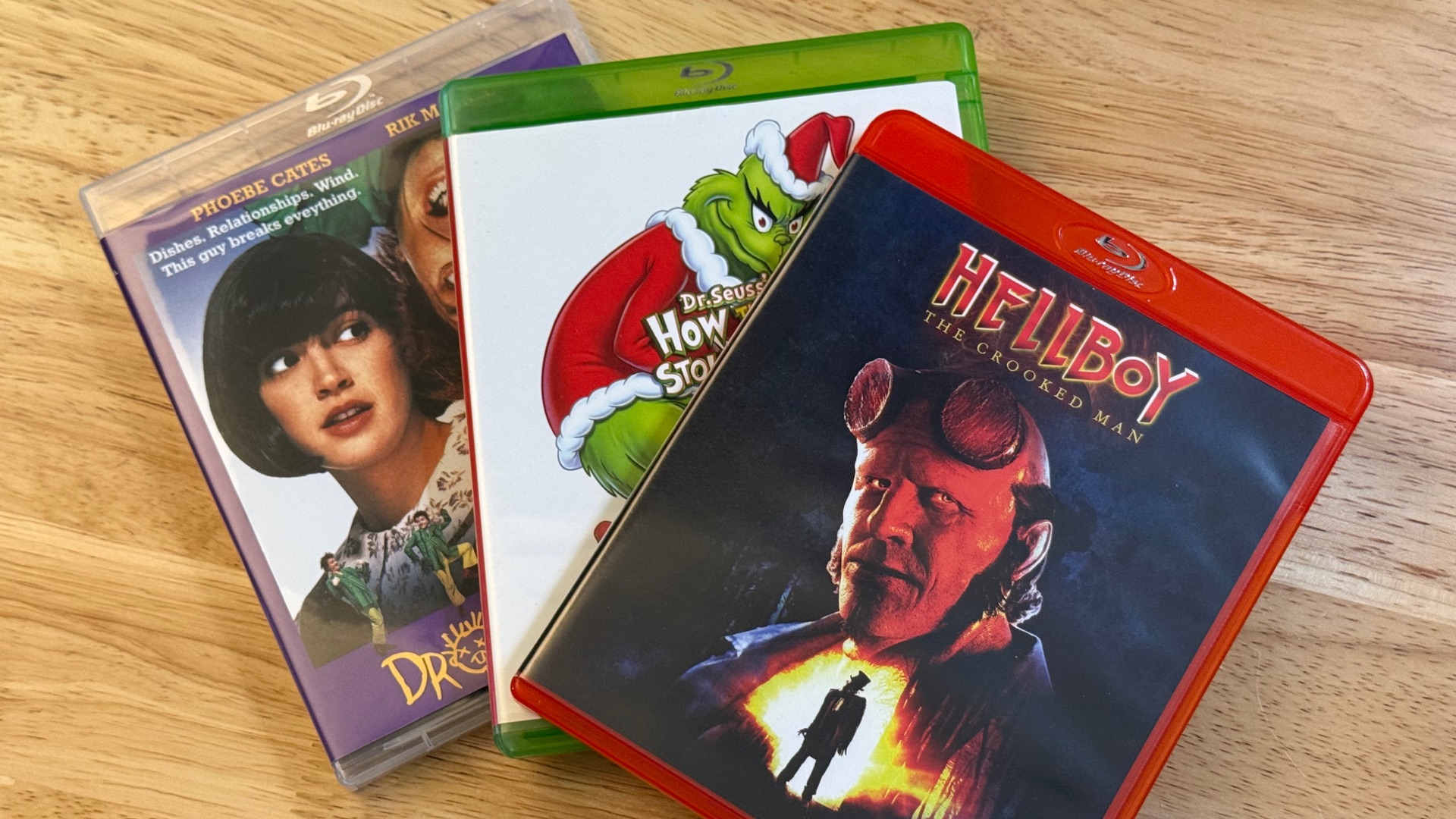
Blu-ray cases come in a variety of colors, including red, white, clear, and more. You can use color to organize your shelf by genre or studio: red for horror, white for Disney, and so on. It’s an easy way to make a wall of movies look special.
Combine DVD and Blu-ray Editions
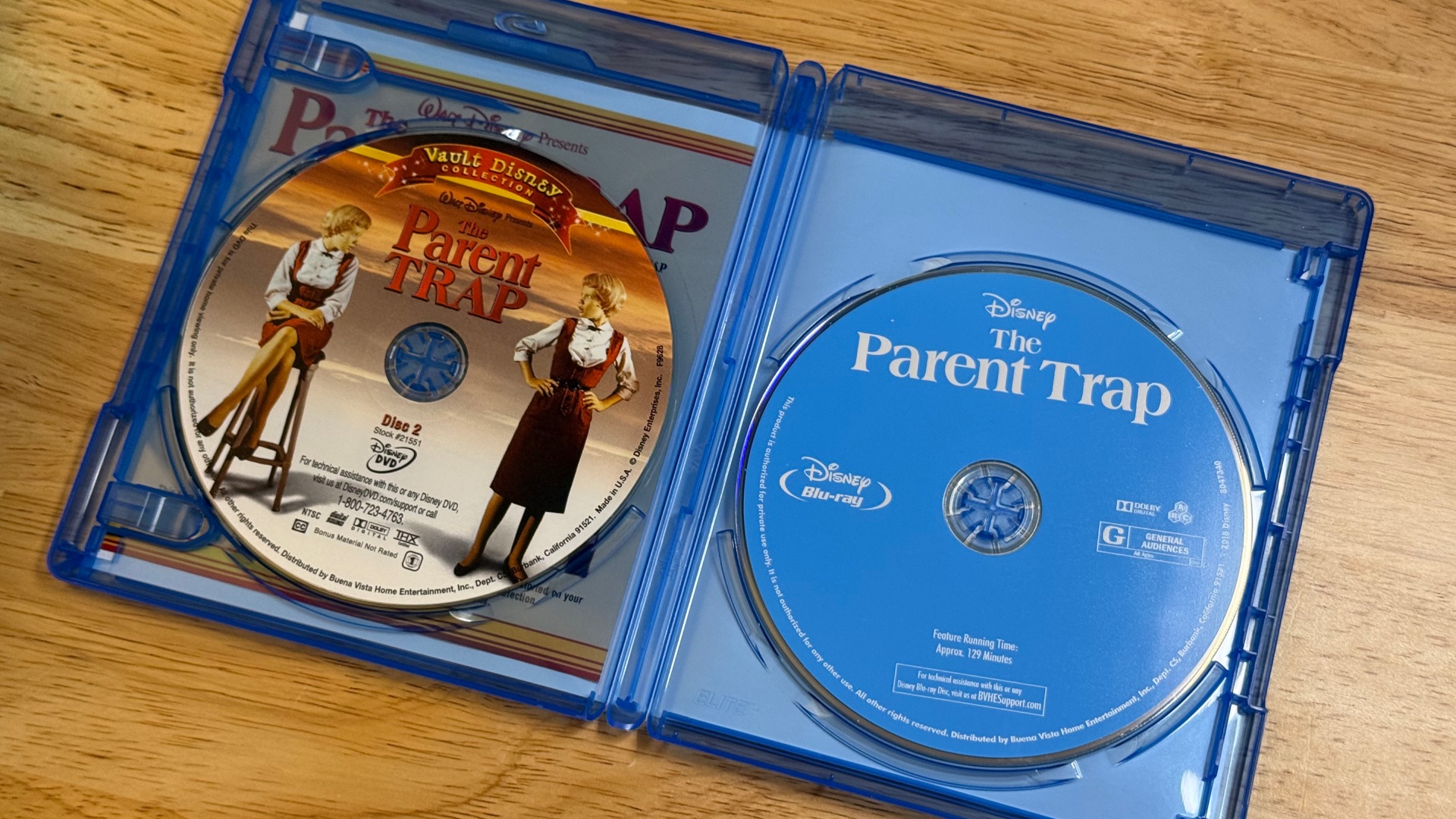
Have a favorite movie on Blu-ray, but the DVD has the bonus features disc? Grab a 2- or 3-disc case and put the DVDs in with the Blu-ray. Instant shelf space saver, and you get the whole package in one place.
Split Up Multi-Film Packs
You can also go the other way. Say you have the Friday the 13th collection crammed into one multi-disc case. Pick up Friday the 13th Collection replacement covers for the individual films and a few red cases, and split it into a custom set where every movie gets its own spot on the shelf.
Make Your Collection Unique
Almost every multi-disc set I buy arrives with a broken or smashed-up case held together by the shrink wrap. You don’t have to live with that. You could send it back, or you could get creative and make something new.
Replacement cases are easy to get, come in a variety of colors, and fit plenty of discs. Add some custom art, and the discs you own can look better than what’s at the store. It’s unique to your collection and makes it special to you.
Start the conversation